Film looks for your RICOH GR
From the SD card, with the firmware untouched.
Works with GR III / GR III HDF · GR IIIx / GR IIIx HDF · GR IV / GR IV HDF · GR IV Monochrome. Download GRKU.zip and copy the files to your SD card.
Unofficial and experimental. Use it at your own risk.
Step 1
Film Looks
GRKU Plus
Every look previews free, and the free library puts any ten of them on your card. Plus opens the rest.
Free: every module, LUT import, and any 10 looks on the card. Positive GRII never takes a slot.
GRKU installs up to 40 film looks on the camera, imported LUTs included.
Step 2
Modules
Each module is one row of the GRKU menu on the camera. Install the ones you want.

The film looks below, with live-view preview.

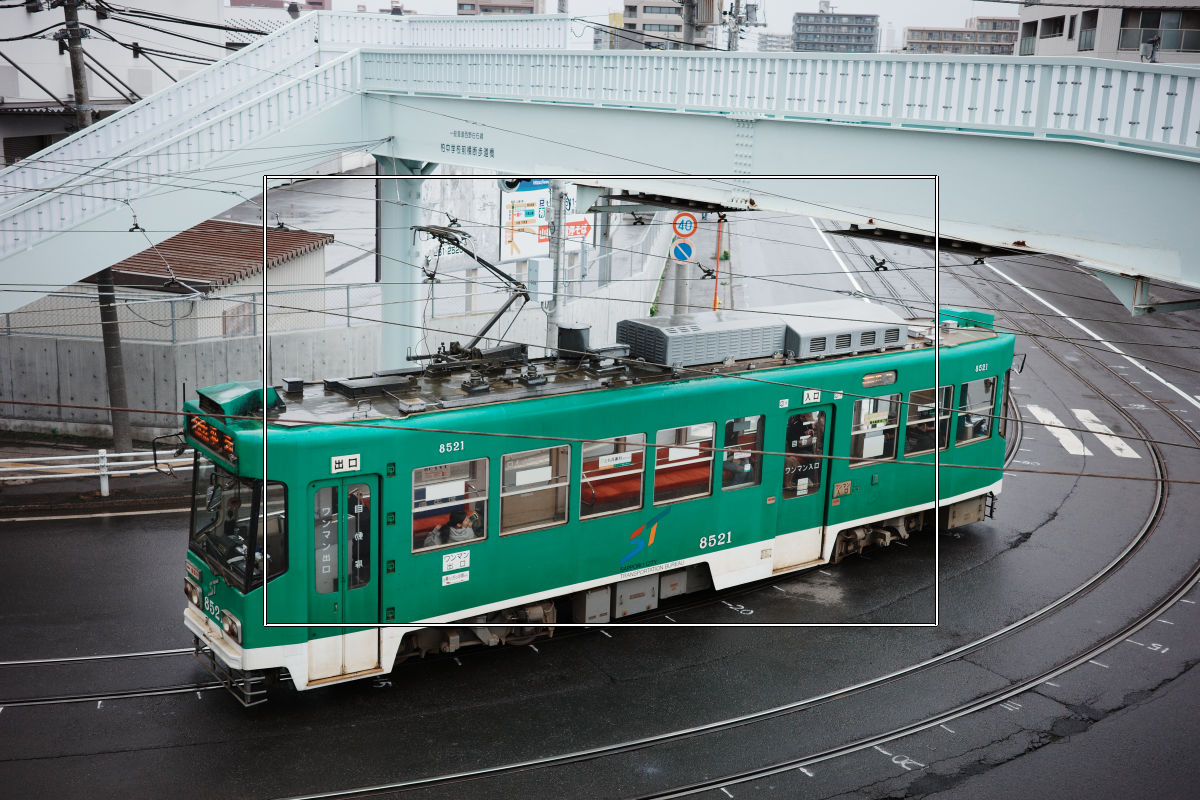
XPan 65:24, 2.35:1, 16:9, 4:3, 5:4, 7:6, or 1:1 photos. The screen stays 3:2 and dims the rest.

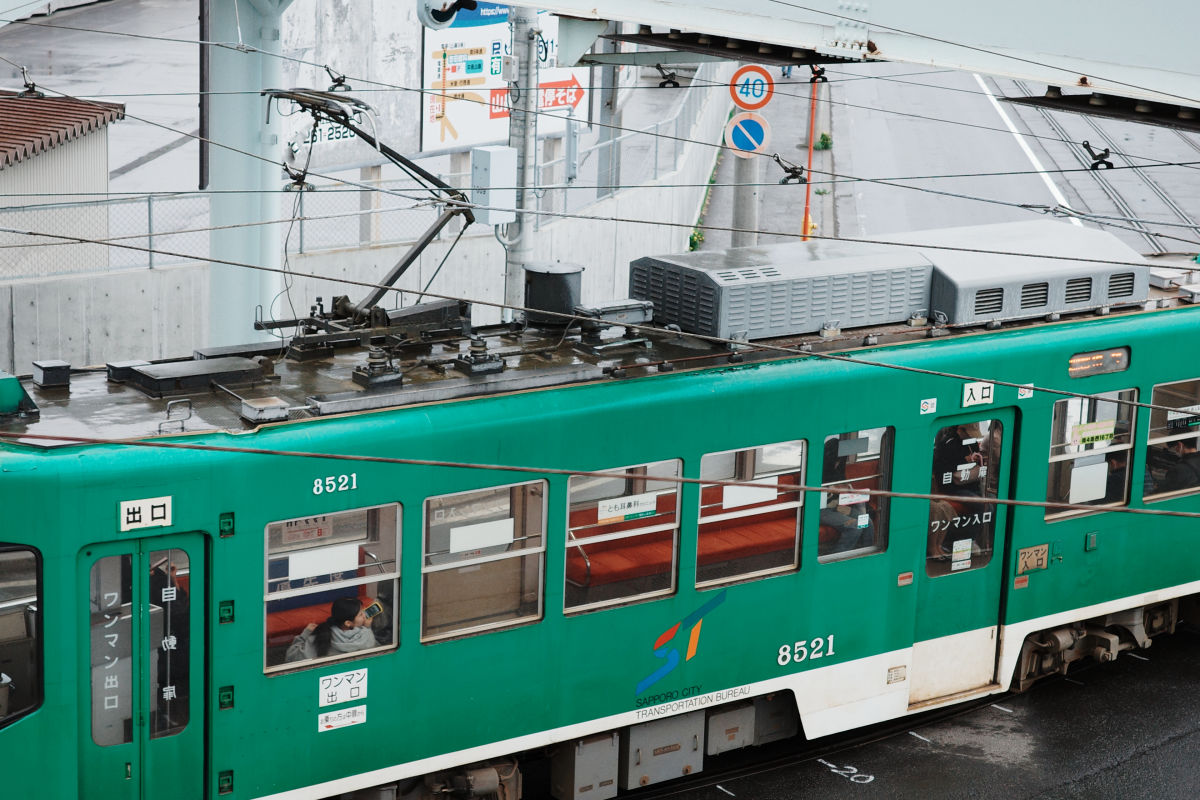
Crop photos to 35, 40, 50, 70, or 90 mm. GR IIIx has 50 to 128 mm.

Thirds, center, golden ratio, or diagonals inside the Framing area.

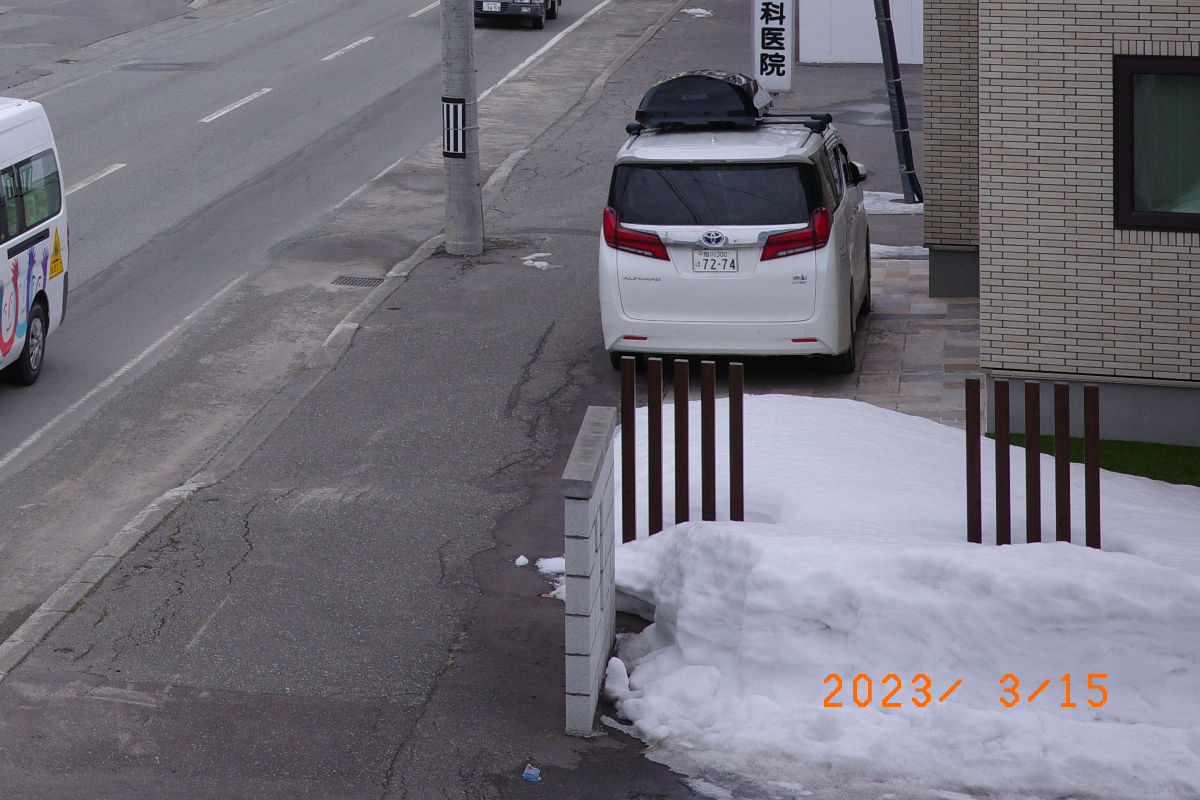
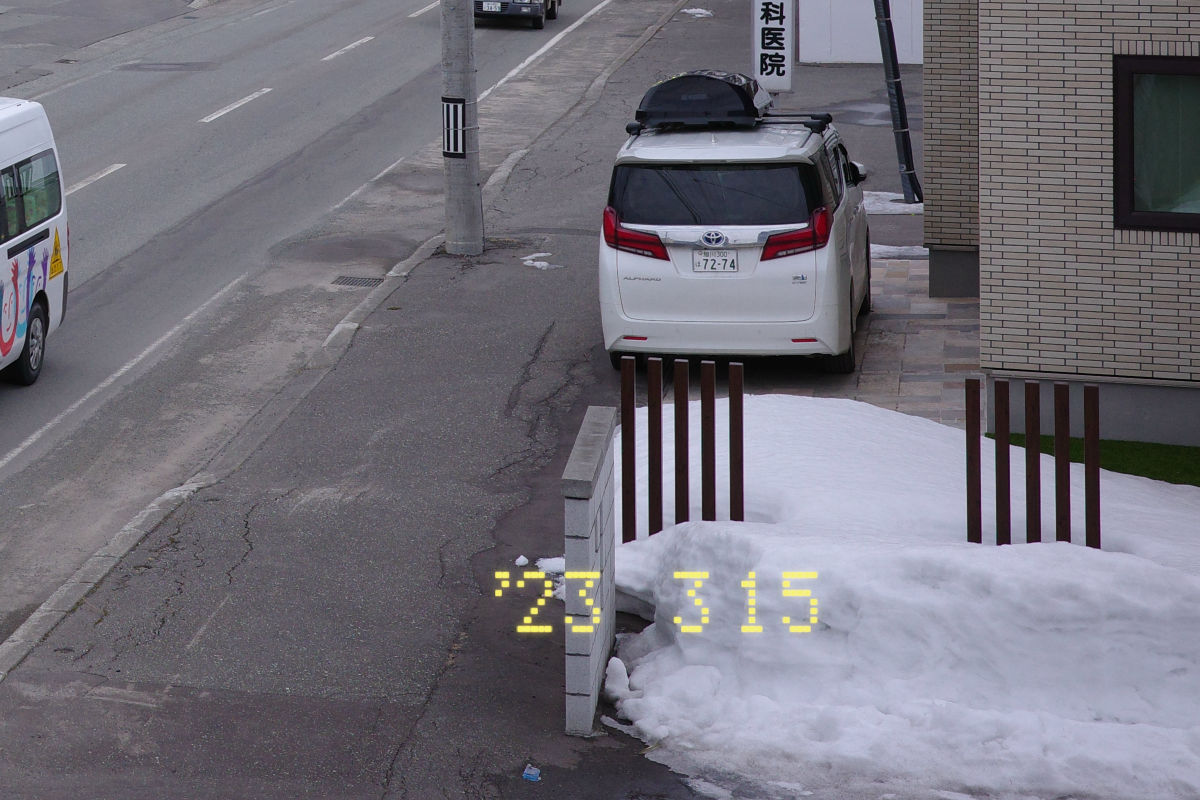
A date at the bottom right of photos, with classic, GR1s dot-matrix, or GR II digits: orange on color photos, white on black-and-white photos.

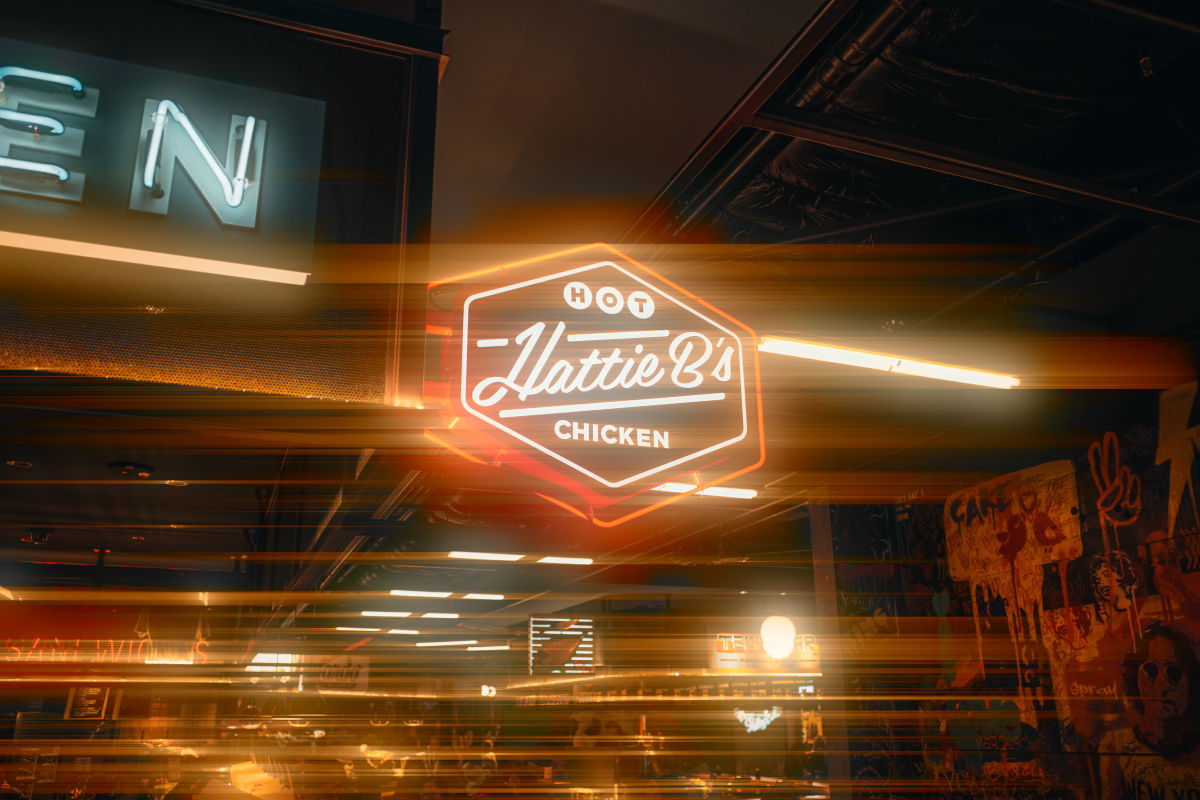
Bloom and film halation with independent strengths, used alone or together. No live-view preview.

A vignette, dust and hairs, a light leak, and scratches on photos, each Off, Light, Medium, or Strong, or the Faded, Dusty, Leaky, and Expired presets. They fall differently on every shot. No live-view preview.

The glow of a Black Pro-Mist diffusion filter at 1/8, 1/4, or 1/2, with an optional Black Mist veil over the shadows and a blue or amber anamorphic streak from point lights. No live-view preview.

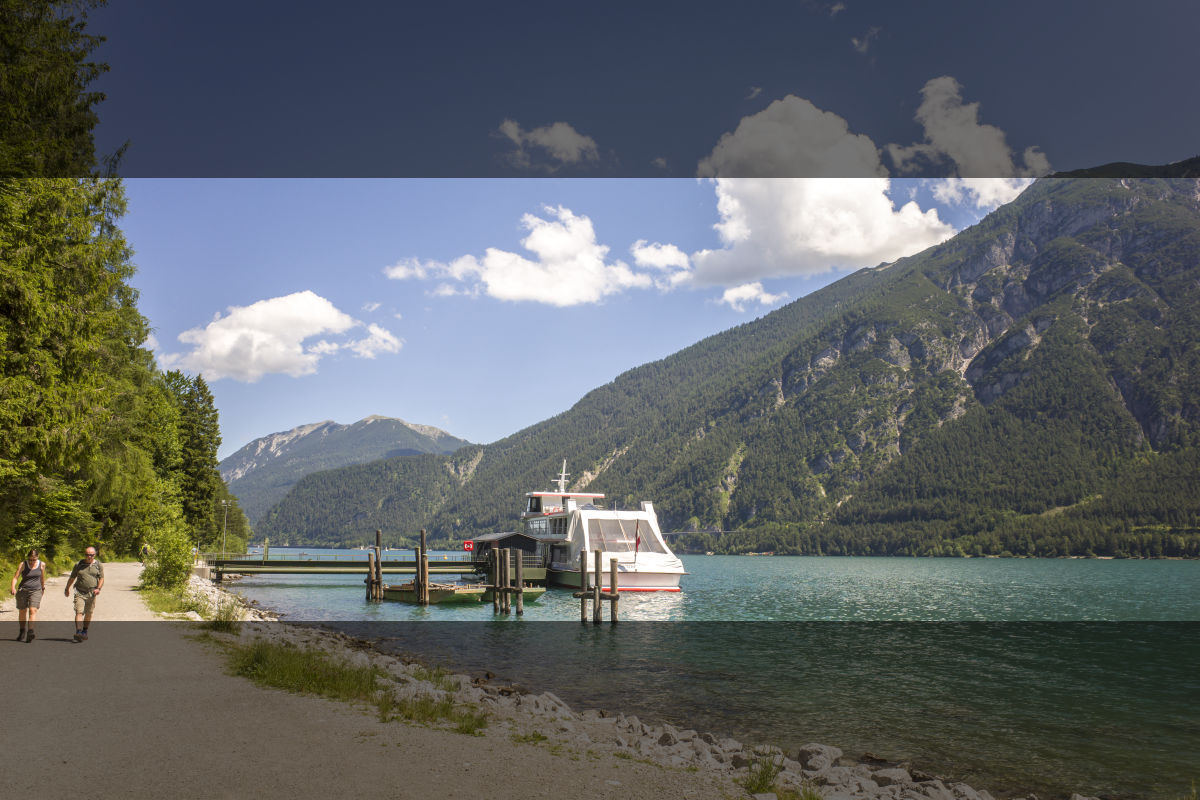
A white or black print border over the photo, 3% or 6% of its width. Photos only.

Film grain from the camera's grain stage, in four strengths. Photos only.

Save looks and settings as recipes and switch in ADJ. Add popular ones here.
- Film Look…
- Framing
- Crop
- Guides
- Date Imprint
- Glow
- Light Leak
- Diffusion
- Grain
- Recipes
Loading film looks…
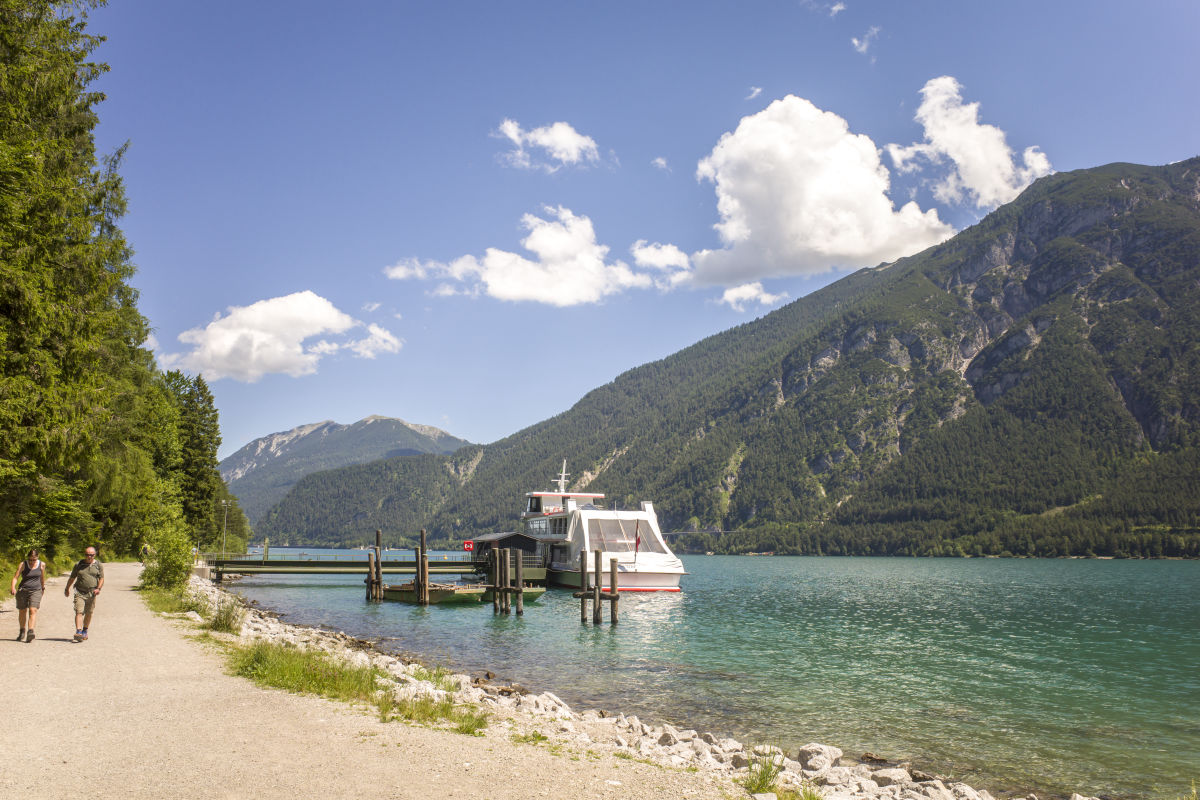
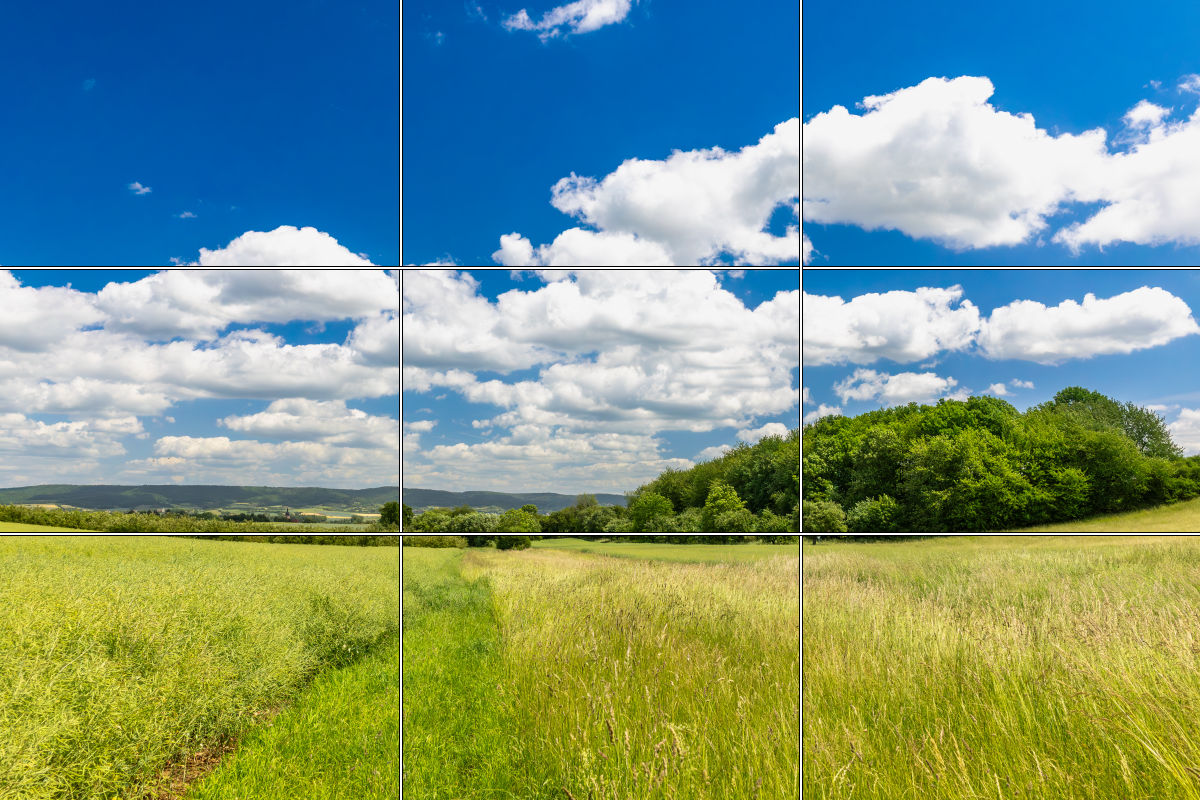
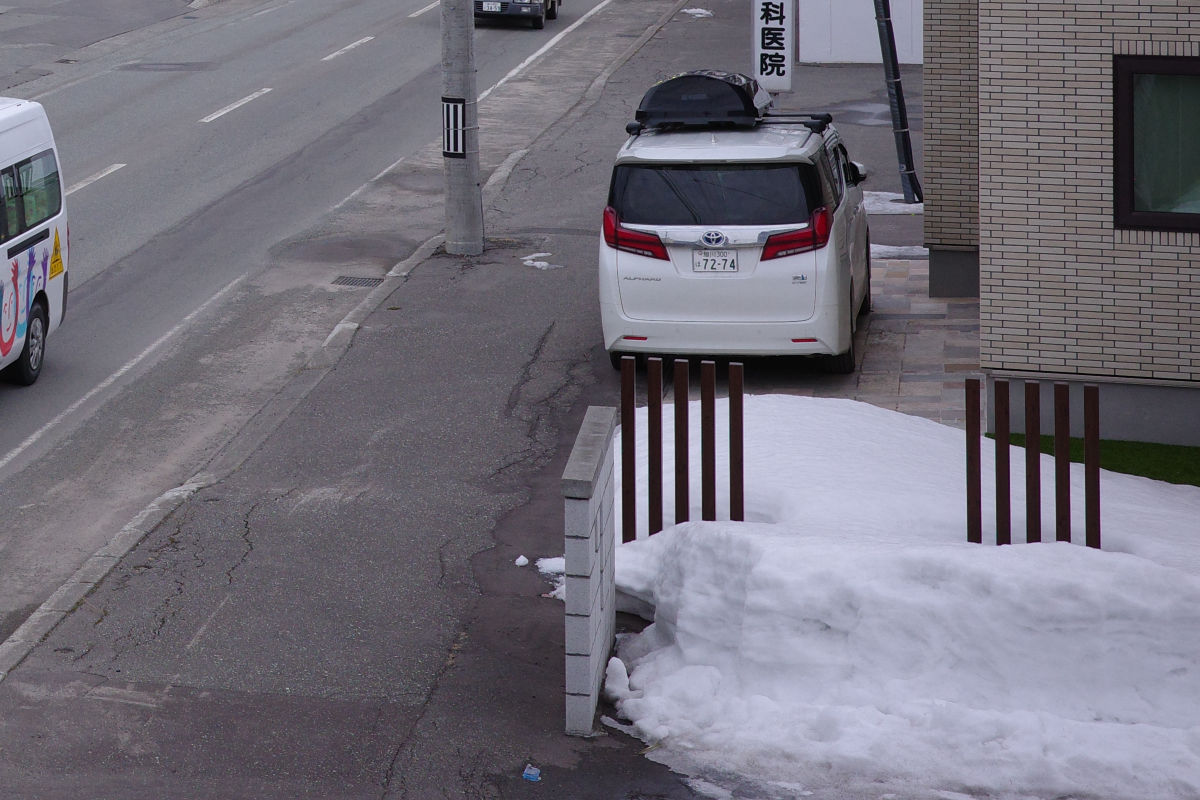
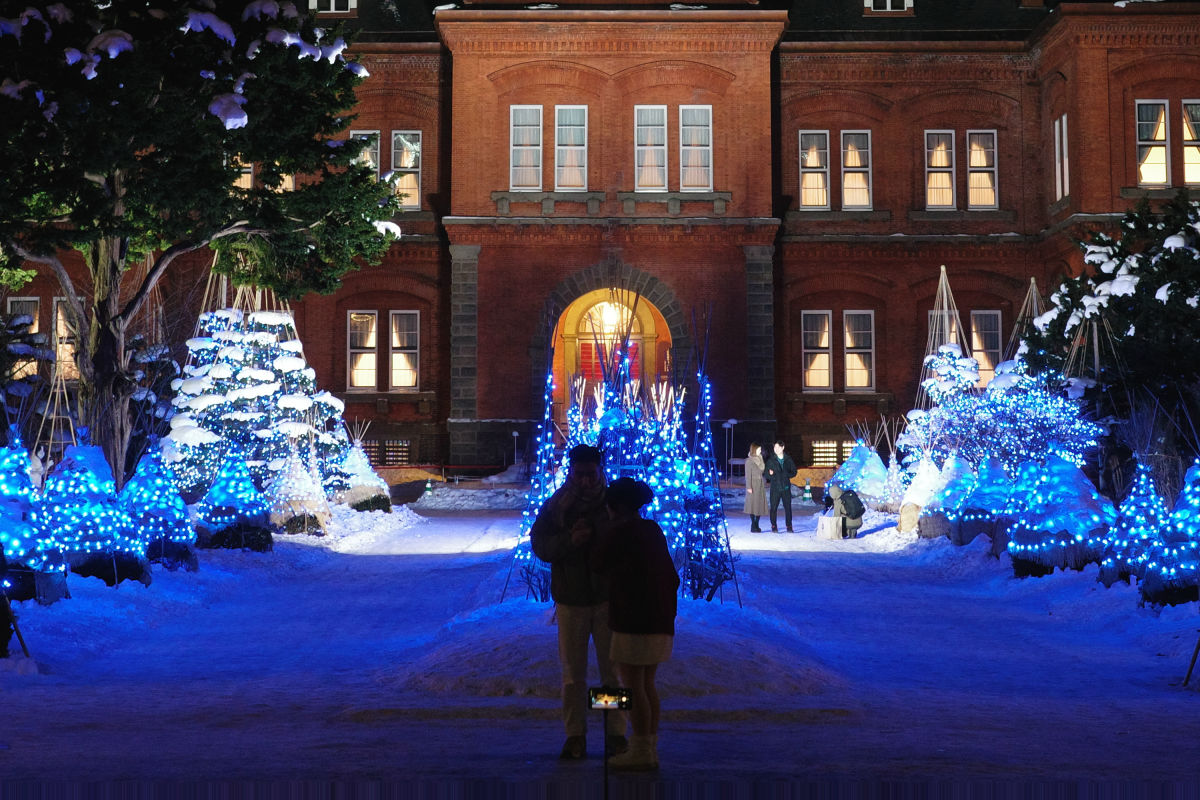
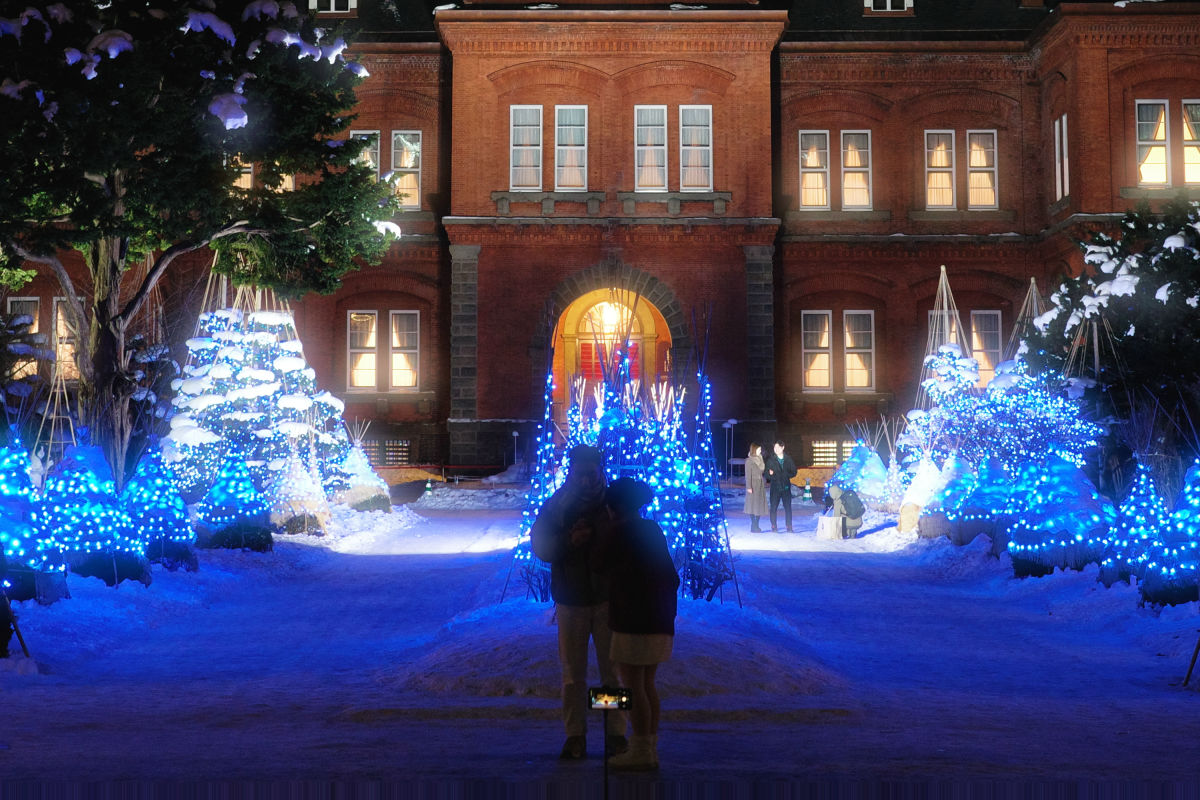
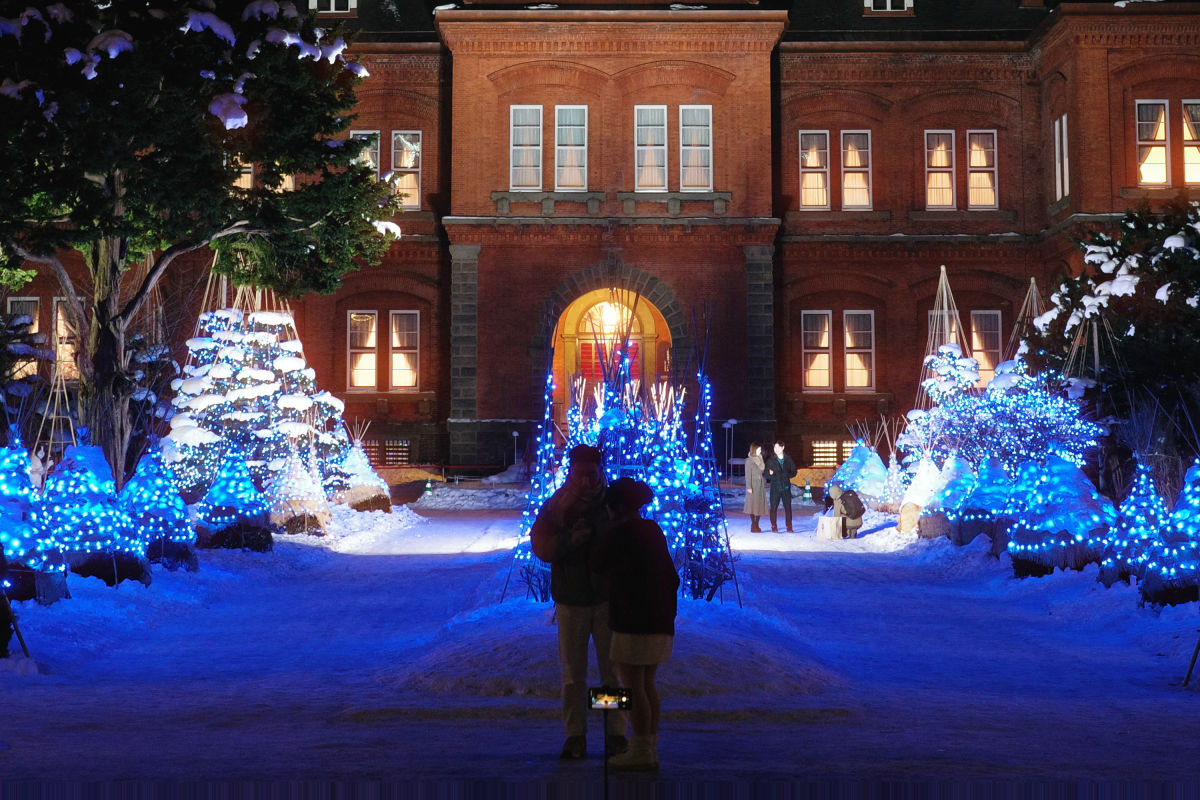
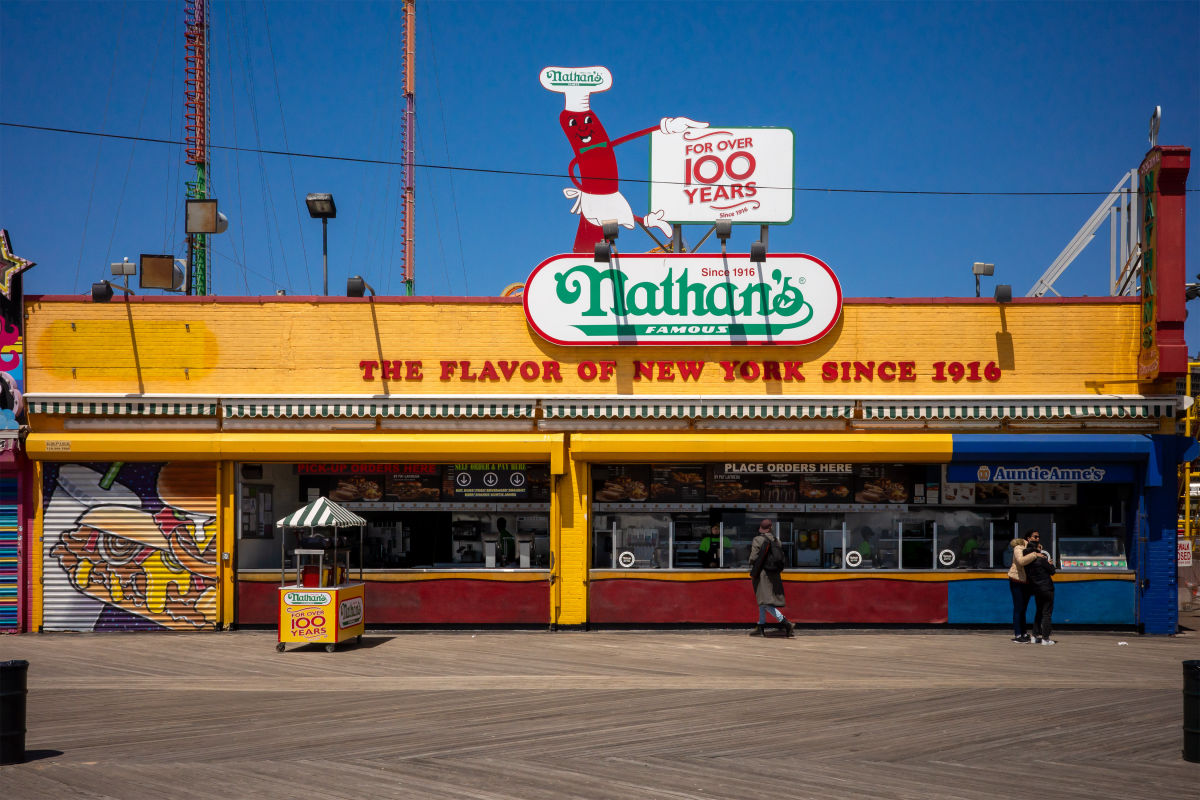
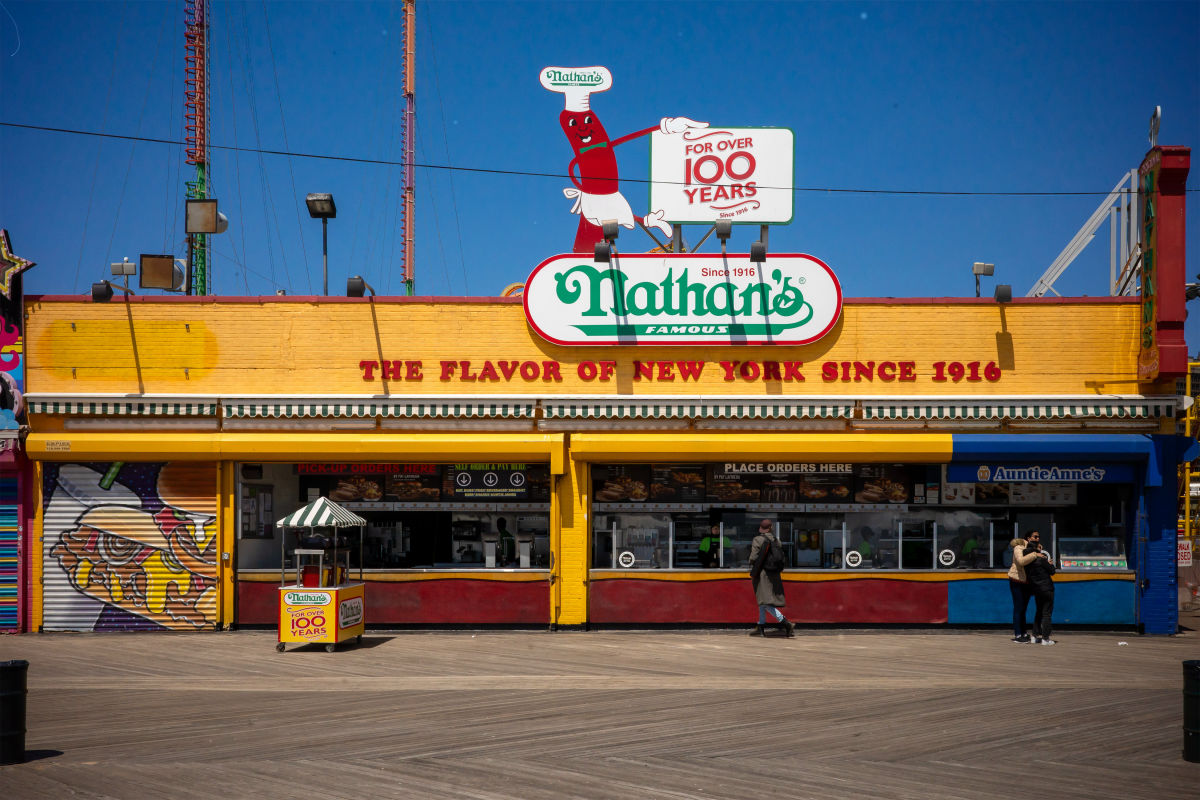
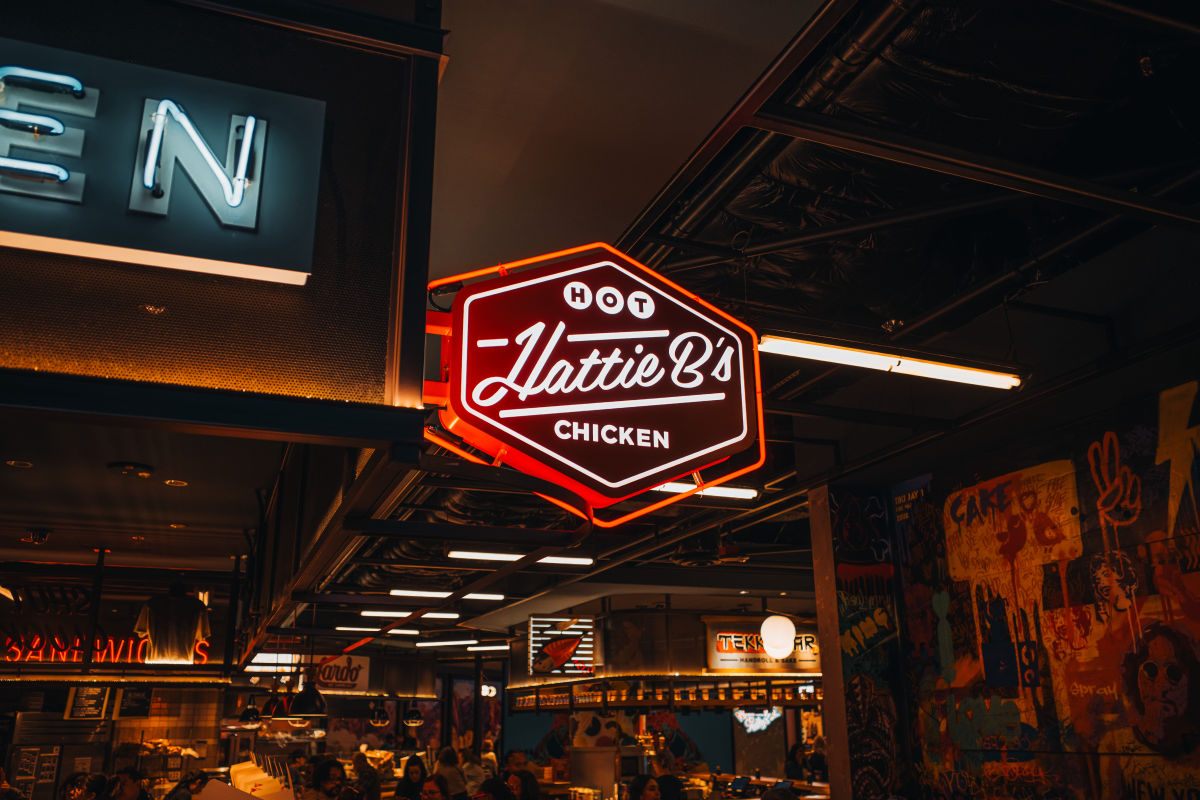
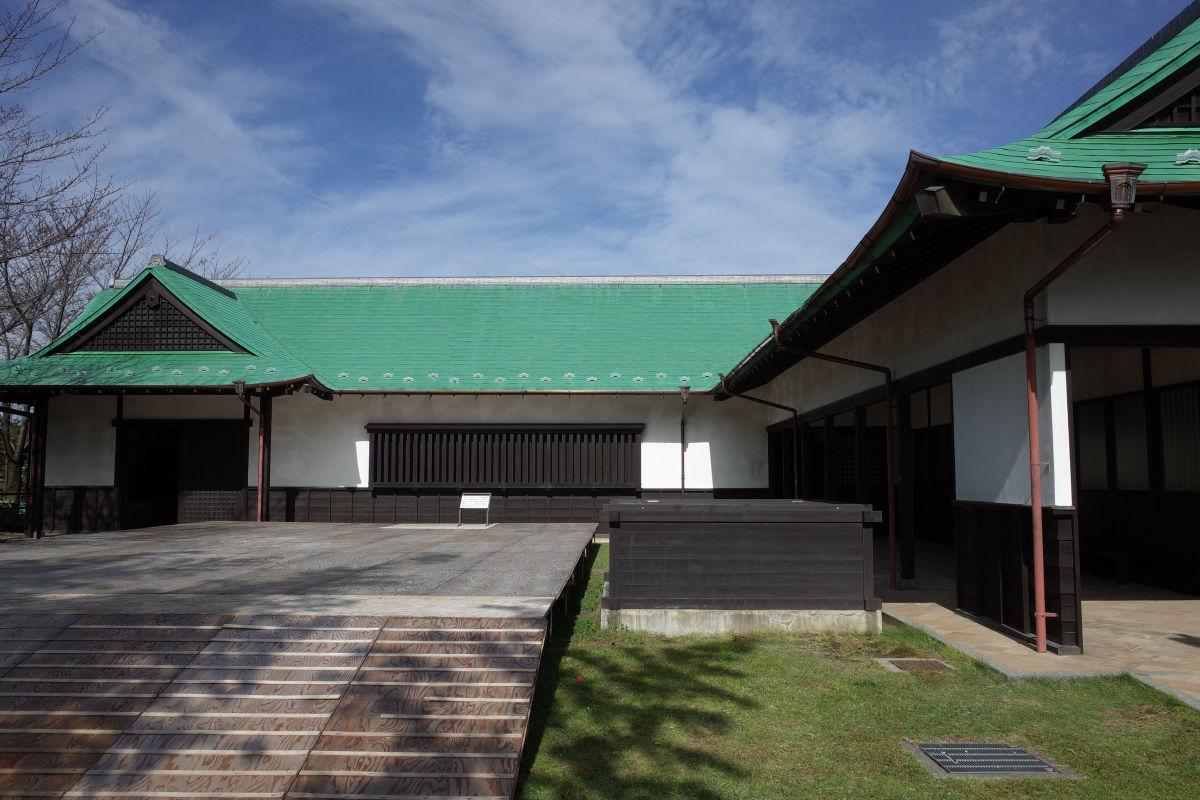
On photos



Step 3
Camera
Check the firmware version in the camera menu. On an older version, update the camera from Ricoh first.
Step 4
Install
Download GRKU.zip and copy the files to your SD card.
- No firmware flashing
- GRKU loads from the SD card. The firmware stays as it is.
- Remove the card to go back to normal
- Without the card, the camera works as it always has.
- See the changes first
- Nothing is written to the card until you confirm.
Downloaded GRKU.zip before?
- Camera
- GR III / GR III HDF
- Firmware
- 2.10 / 2.20
- Film Looks
- —
- Modules
- Film Look, Framing, Crop, Guides, Date Imprint, Glow, Light Leak, Diffusion, Grain, Recipes
GRKU is experimental and has no warranty. If you continue, you accept the terms of use.